
Strengthen Your Everyday Digital Security with TotalAV
Computers and connected devices are now part of everyday routines. People rely on them for work, education, communication, shopping, entertainment, and managing personal accounts. As digital activity increases, protecting devices from unwanted software and online threats becomes an important part of responsible technology use.
TotalAV provides security tools designed to help users monitor and protect their devices. Antivirus protection can help identify potentially harmful files and software, while additional features can support privacy and device maintenance.
Having security software is only one part of staying safer online. Users should also keep their operating systems updated, create strong passwords, avoid suspicious downloads, and be cautious when opening unfamiliar links. Combining practical habits with appropriate security tools can create a stronger overall approach to digital protection.
Scan Your Device for Potential Threats
Malware can appear in different forms, including viruses, spyware, ransomware, and other unwanted programs. Some threats may affect device performance, while others can attempt to access sensitive information or interfere with normal activity.
TotalAV provides scanning capabilities that allow users to check their devices for potential security problems. Regular scans can be useful for identifying suspicious files or applications that may otherwise go unnoticed.
Users can make device scanning part of their regular digital maintenance routine. It is also useful to pay attention to unusual device behavior, such as unexpected pop-ups, unfamiliar applications, sudden performance changes, or unexplained browser activity.
Security scans should be combined with careful downloading practices. Users should obtain applications from trustworthy sources and avoid opening attachments or files when the sender or content appears suspicious.
Browse Websites with Added Security Awareness
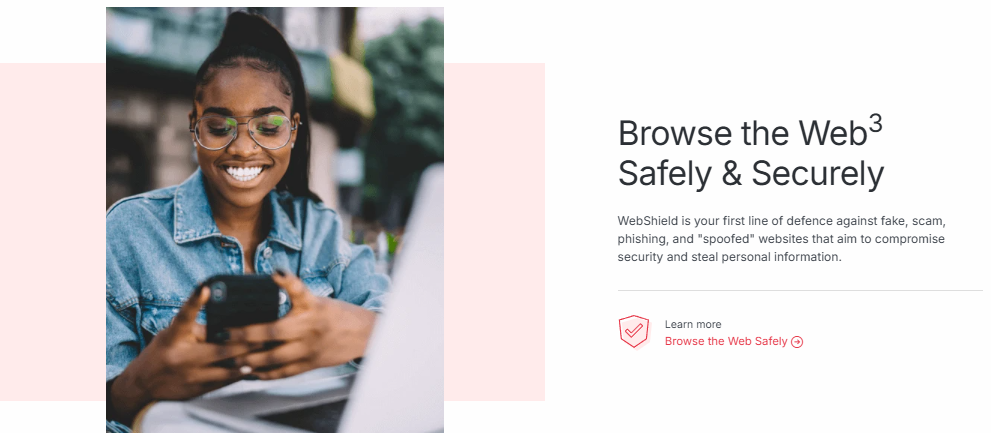
Browsing the web provides access to information, services, entertainment, and communication, but it can also expose users to potentially harmful websites and deceptive links. Phishing attempts can sometimes imitate familiar brands or services in an effort to encourage users to share passwords or other sensitive information.
TotalAV includes features designed to support safer online activity and help users identify certain potential risks while browsing. These tools can provide an additional layer of awareness when navigating websites.
Users should still check website addresses carefully before entering personal or payment information. If a page looks unusual, contains unexpected requests, or asks for sensitive information without a clear reason, it is worth pausing before continuing.
Using strong passwords and multi-factor authentication can also provide additional protection for online accounts. These practices are especially important for email, financial, shopping, and social media accounts.
Protect Personal Data and Online Privacy
Personal data can include names, email addresses, passwords, payment information, photographs, browsing details, and account information. Protecting this information is an important part of maintaining digital privacy.
TotalAV provides privacy-focused features alongside its security tools, giving users additional options for managing their digital protection. These features can complement everyday privacy practices.
Users can also review the permissions given to applications and websites. Some apps may request access to contacts, location, cameras, microphones, or other device functions. Reviewing these permissions regularly can help users understand what information different applications can access.
It is also wise to avoid using the same password across multiple accounts. If one account becomes compromised, unique passwords can help limit the potential impact on other services.
Keep Your Devices Organized and Maintained
Device maintenance can be another part of a healthy digital routine. Over time, computers may collect unnecessary files, unused applications, duplicate items, and other data that users no longer need.
TotalAV provides tools intended to support aspects of device cleanup and maintenance. These features can help users review unnecessary files and manage certain areas of their device.
Before removing anything, users should review the suggested files carefully. Important documents, application components, or system files should not be deleted simply because they appear unfamiliar.
Good maintenance also includes installing operating system updates, updating applications, removing software that is no longer needed, and maintaining enough free storage space. These simple steps can help keep devices organized and easier to manage.
Create Better Security Habits at Home
Digital security is especially important in households where several people may use different devices. Family members may have different levels of experience with technology, which makes communication and awareness valuable.
TotalAV can be used as part of a household’s broader security routine, while users can also establish basic rules for safer internet use. These may include avoiding unknown downloads, checking links before clicking, protecting account passwords, and reporting suspicious messages.
Younger internet users can benefit from learning how to recognize common online risks. Parents and guardians can encourage children to ask questions when they encounter unfamiliar websites, messages, or requests for personal information.
Keeping devices updated and using separate accounts for different users can also make household device management more organized.
Make TotalAV Part of Your Digital Protection Routine
Online security requires regular attention because digital threats and technology environments continue to change. Installing security software is a useful starting point, but maintaining good habits is equally important.
TotalAV provides a combination of security, privacy, and device maintenance tools that can help users take a more structured approach to protecting their digital environment. Antivirus scans can help identify potential threats, while privacy and maintenance features can support other aspects of device management.
For everyday users, creating a simple routine can make security easier to manage. Regularly checking for software updates, scanning devices, reviewing applications, using strong passwords, and monitoring account activity can all contribute to better digital awareness.
No single security tool can eliminate every online risk, so users should continue to make careful decisions when browsing, downloading, sharing information, and communicating online. Security software works best when combined with responsible digital behavior.
With TotalAV and sensible online practices, users can build a more organized approach to protecting their devices and personal information. Whether using technology for work, study, shopping, entertainment, or communication, maintaining digital security can help make everyday online activities more manageable and secure.