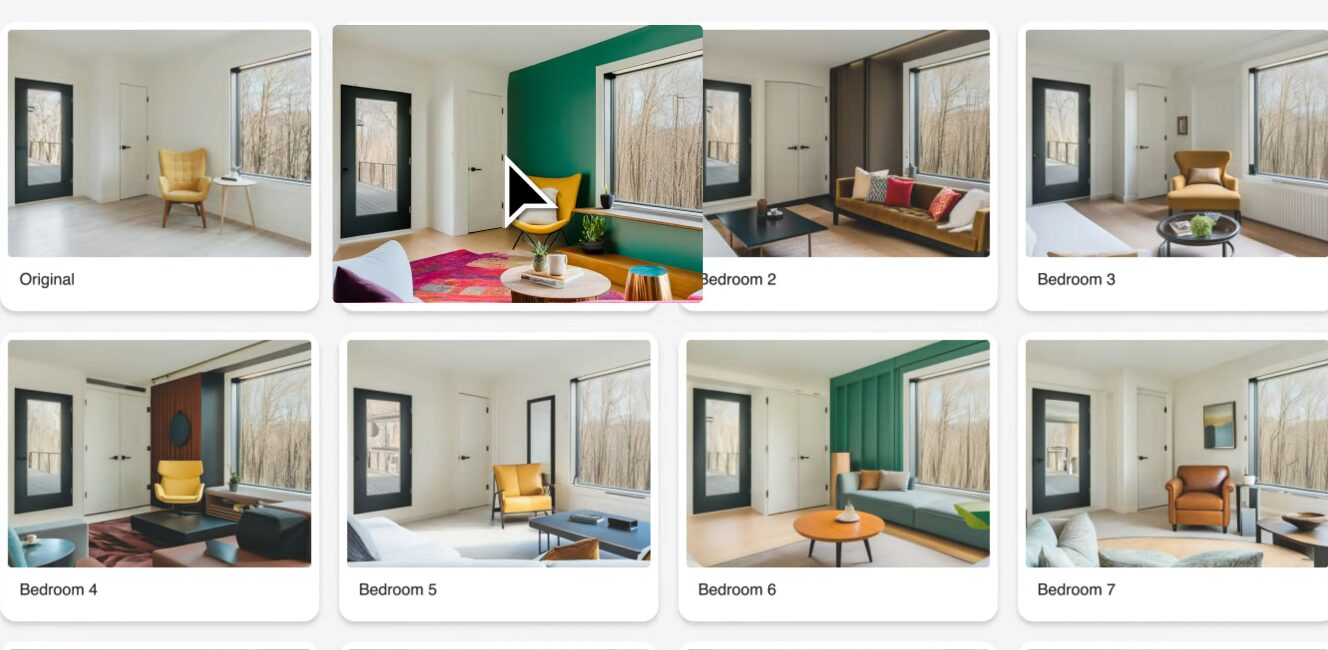
Lighting plays a critical role in how a space looks and feels, and Planner 5D allows users to experiment with different lighting setups. From natural daylight to artificial lighting sources such as lamps and ceiling fixtures, users can adjust brightness and positioning to create the desired atmosphere.
This feature helps users understand how lighting affects color, texture, and spatial perception. By testing different lighting conditions, designers can ensure that their spaces are both functional and visually appealing.
Space Optimization and Smart Layout Planning
Efficient use of space is essential in interior design, especially in smaller homes or apartments. Planner 5D helps users optimize layouts by allowing them to test various furniture arrangements and room configurations.
Users can identify wasted space, improve traffic flow, and ensure that each area serves a clear purpose. This level of planning is particularly useful for urban living, where space is often limited.
By visualizing layouts before implementation, users can make smarter design decisions and maximize usability.
Color Theory and Material Selection
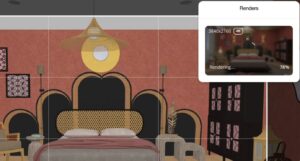
Choosing the right colors and materials is a key aspect of design, and Planner 5D provides tools to experiment with different combinations. Users can test various color palettes, textures, and finishes to find the perfect balance.
The platform allows real-time changes, making it easy to see how different elements interact. This helps users avoid mismatched designs and achieve a cohesive look.
Understanding color theory becomes more intuitive when users can immediately visualize the results of their choices.
Designing Outdoor Spaces with Planner 5D
Planner 5D is not limited to indoor design; it also supports outdoor planning. Users can create gardens, patios, terraces, and other exterior spaces with the same level of detail as interior layouts.
This feature allows homeowners to plan landscaping, outdoor furniture placement, and decorative elements. It helps create a seamless connection between indoor and outdoor living areas.
Designing outdoor spaces digitally ensures that they are both functional and aesthetically pleasing.
Virtual Walkthroughs and Immersive Experiences
One of the most engaging features of Planner 5D is the ability to perform virtual walkthroughs. Users can navigate through their designs as if they were physically present in the space.
This immersive experience provides a deeper understanding of scale, proportions, and layout. It also helps identify potential issues that may not be visible in static views.
Virtual walkthroughs bring designs to life, making them easier to evaluate and refine.
Accessibility for Non-Designers
Planner 5D is designed to be inclusive, allowing people without professional design backgrounds to create high-quality layouts. Its intuitive interface removes technical barriers and makes design accessible to everyone.
Users do not need prior knowledge of architecture or interior design to get started. The platform guides them through the process, making it easy to learn and improve over time.
This accessibility has contributed significantly to the platform’s popularity.
Experimenting Without Real-World Risk
One of the biggest advantages of using Planner 5D is the ability to experiment without any real-world consequences. Users can try bold ideas, unusual layouts, or new styles without worrying about cost or practicality.
If something does not work, it can be changed instantly. This encourages creativity and innovation, allowing users to explore possibilities freely.
This risk-free experimentation is particularly valuable for beginners who are still developing their design skills.
Planner 5D for Small and Large Projects
Planner 5D is versatile enough to handle both small and large design projects. Users can design a single room or an entire house with equal ease.
For smaller projects, it provides quick solutions and simple layouts. For larger projects, it offers detailed planning tools and advanced features.
This scalability makes it suitable for a wide range of users and design needs.
Integration with Modern Smart Home Concepts
As smart home technology becomes more common, Planner 5D can be used to plan layouts that incorporate these features. Users can design spaces that accommodate smart lighting, appliances, and automation systems.
This forward-thinking approach ensures that designs are not only stylish but also functional in a modern context.
Planning for smart home integration helps future-proof living spaces.
Visualizing Furniture Placement Before Purchase
One of the most practical uses of Planner 5D is visualizing furniture placement before making purchases. Users can test different arrangements and sizes to ensure that items fit perfectly within a space.
This reduces the risk of buying furniture that does not match the room or fit properly. It also helps in selecting items that complement the overall design.
By planning ahead, users can save time, money, and effort.
The Impact of Planner 5D on DIY Design Culture
Planner 5D has contributed to the growth of do-it-yourself design culture. More people are taking an active role in designing their homes rather than relying solely on professionals.
The platform empowers users to take control of their creative process and bring their ideas to life independently.
This shift reflects a broader trend toward personalization and self-expression in home design.
Enhancing Creativity Through Visualization Tools
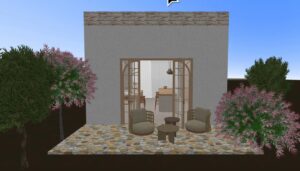
Visualization is a powerful tool for creativity, and Planner 5D provides multiple ways to explore ideas visually. The ability to switch between 2D plans and 3D views helps users understand their designs from different perspectives.
This enhances creativity by allowing users to refine and improve their ideas continuously.
The platform acts as both a creative space and a practical tool for design development.